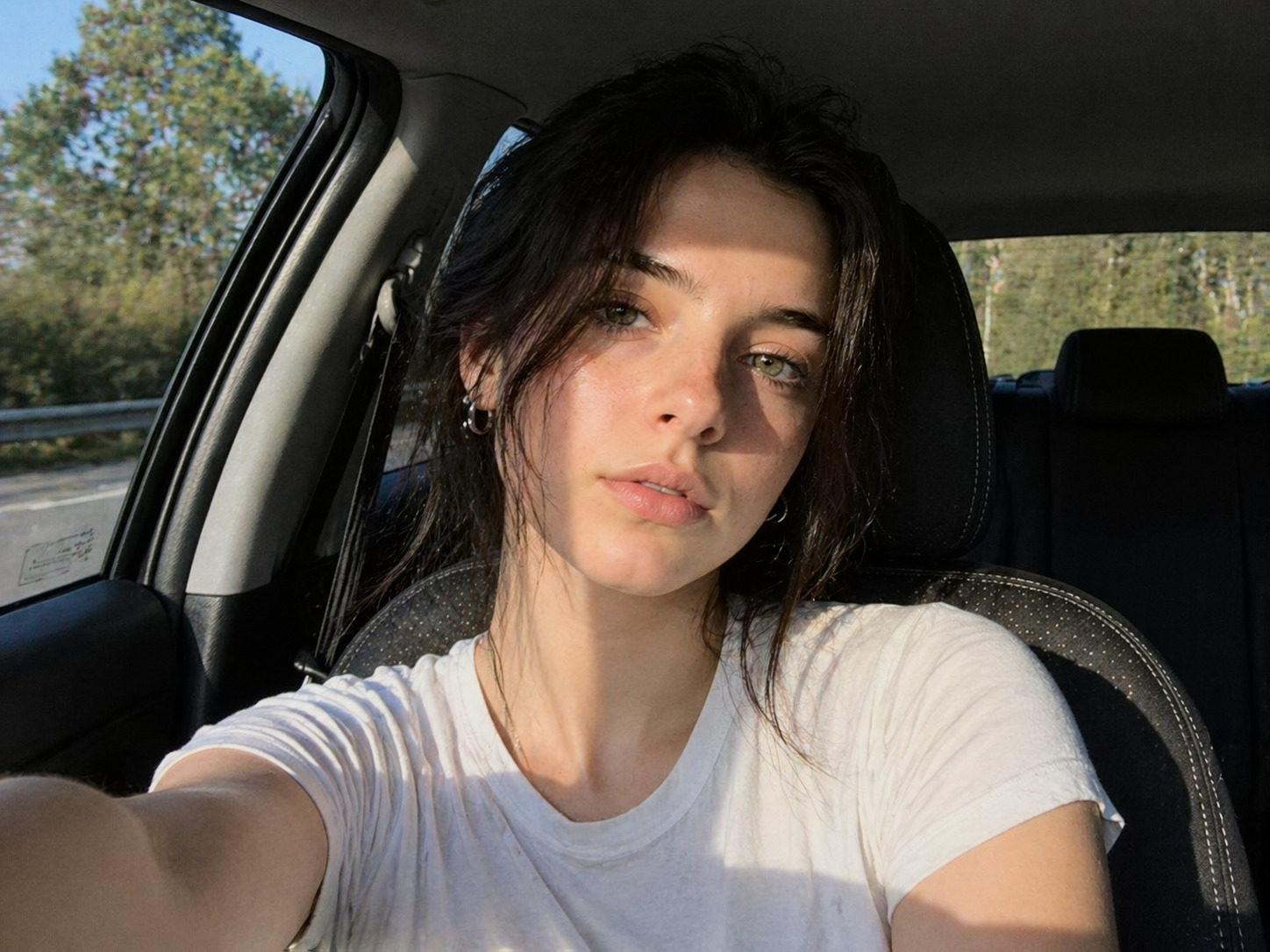
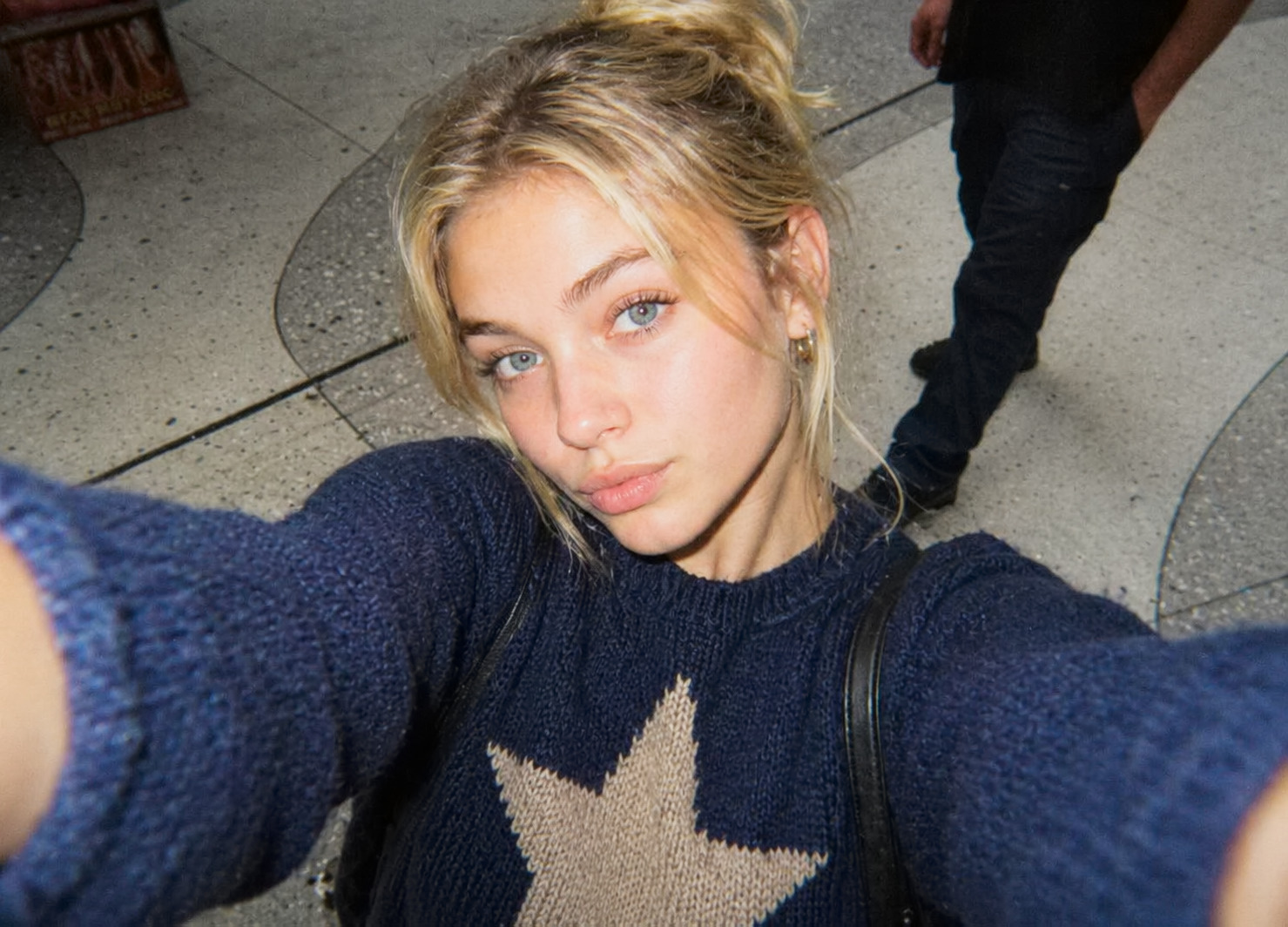
Direct flash
Close flash creates bright faces, hard edges, and quick fall-off in the background. That is the part a preset cannot fully fake.
A practical look guide for compact-camera color: direct flash, warm skin, pink shadows, gentle softness, and mobile edits for people who want the G7X vibe without buying another camera.
DigiColor starts with the shooting style first, then uses editing to keep the flash-photo feeling instead of flattening it into a normal phone filter.
Close flash creates bright faces, hard edges, and quick fall-off in the background. That is the part a preset cannot fully fake.
The look usually keeps skin lively while shadows drift cooler or pinker. Push warmth carefully so the whole photo does not turn orange.
Old compact files are crisp but not clinical. Reduce harsh phone sharpening before adding contrast or color separation.
Frame like a point-and-shoot: step closer, use the main lens, keep the moment direct, and avoid over-polished blur or film grain.
This is the practical route for people who want the G7X / pocket-camera feeling before paying viral used-camera prices.
The first paid layer should stay simple: look guides, preset packs, and sample sets tied to real camera pages before we build a full automatic generator.
Small Lightroom Mobile looks for flash portraits, restaurant photos, mirror photos, and night-out compact-camera color.
Free previews on camera pages, then larger sample galleries once account, credits, and image licensing are ready.