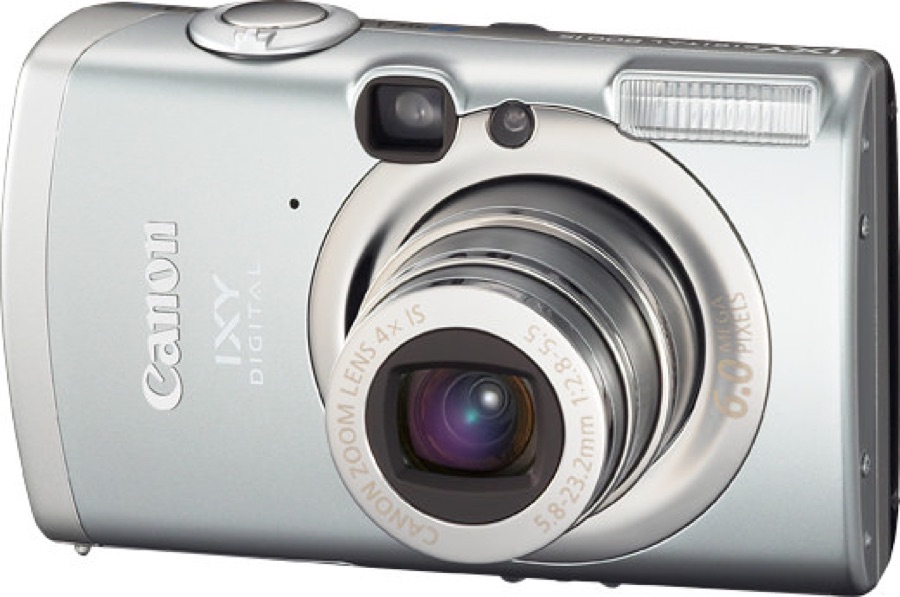
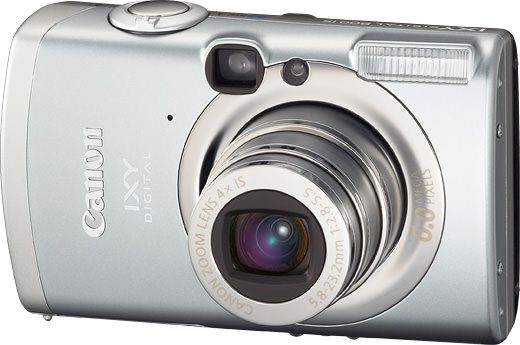
How do you transfer photos from the Canon PowerShot SD700 IS DIGITAL ELPH?
The simplest transfer path is usually to remove the memory card and use a compatible card reader. If the camera uses internal storage or a rare card format, confirm the cable or reader before buying. The card reader guide and photo transfer guide cover the common options.
What battery model does the Canon PowerShot SD700 IS DIGITAL ELPH use?
Canon PowerShot SD700 IS DIGITAL ELPH uses NB-5L. When buying used, confirm that the battery holds a charge and that the correct charger is included or available.
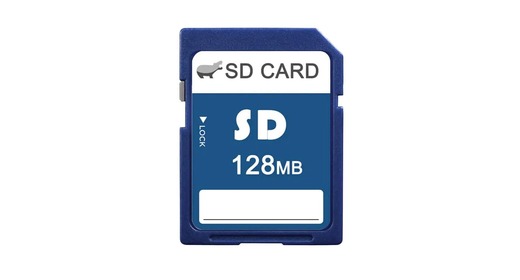
What is the maximum memory card for the Canon PowerShot SD700 IS DIGITAL ELPH?
Up to 2GB (SD). Larger cards often won't be recognized by this camera, so stay within that limit.
The SD700 IS has a pleasing metal feel, although its smooth shape can slip from a hand.
What owners like
One owner likes the feel of the metal parts and familiar buttons.
Common complaints
The second owner finds indoor noise intrusive and once drops the camera after it slips, leaving the lens unable to move.
What to compare
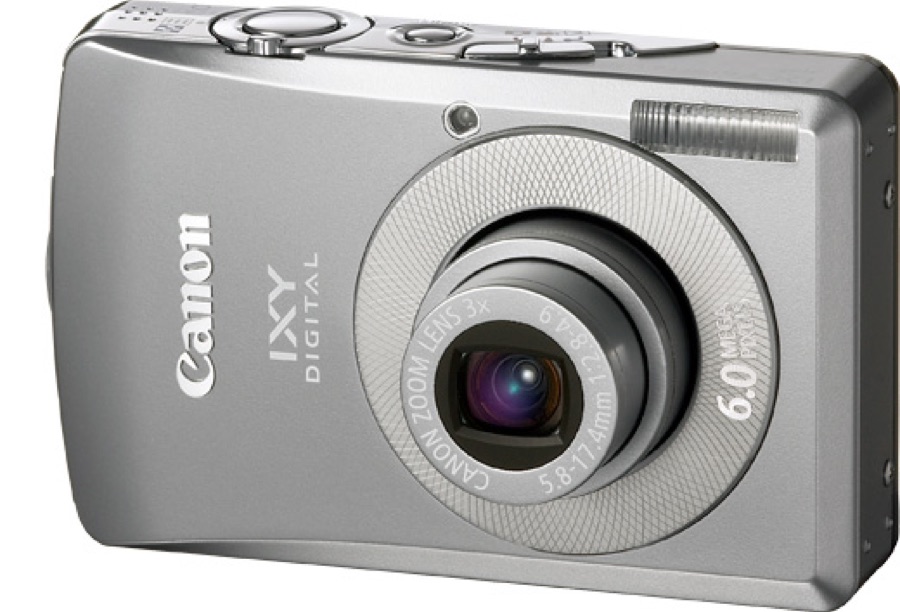
The SD700 IS reaches 140mm equivalent, compared with 105mm on the SD600; choose the SD700 if distant details matter more than the simpler carry-around appeal.